
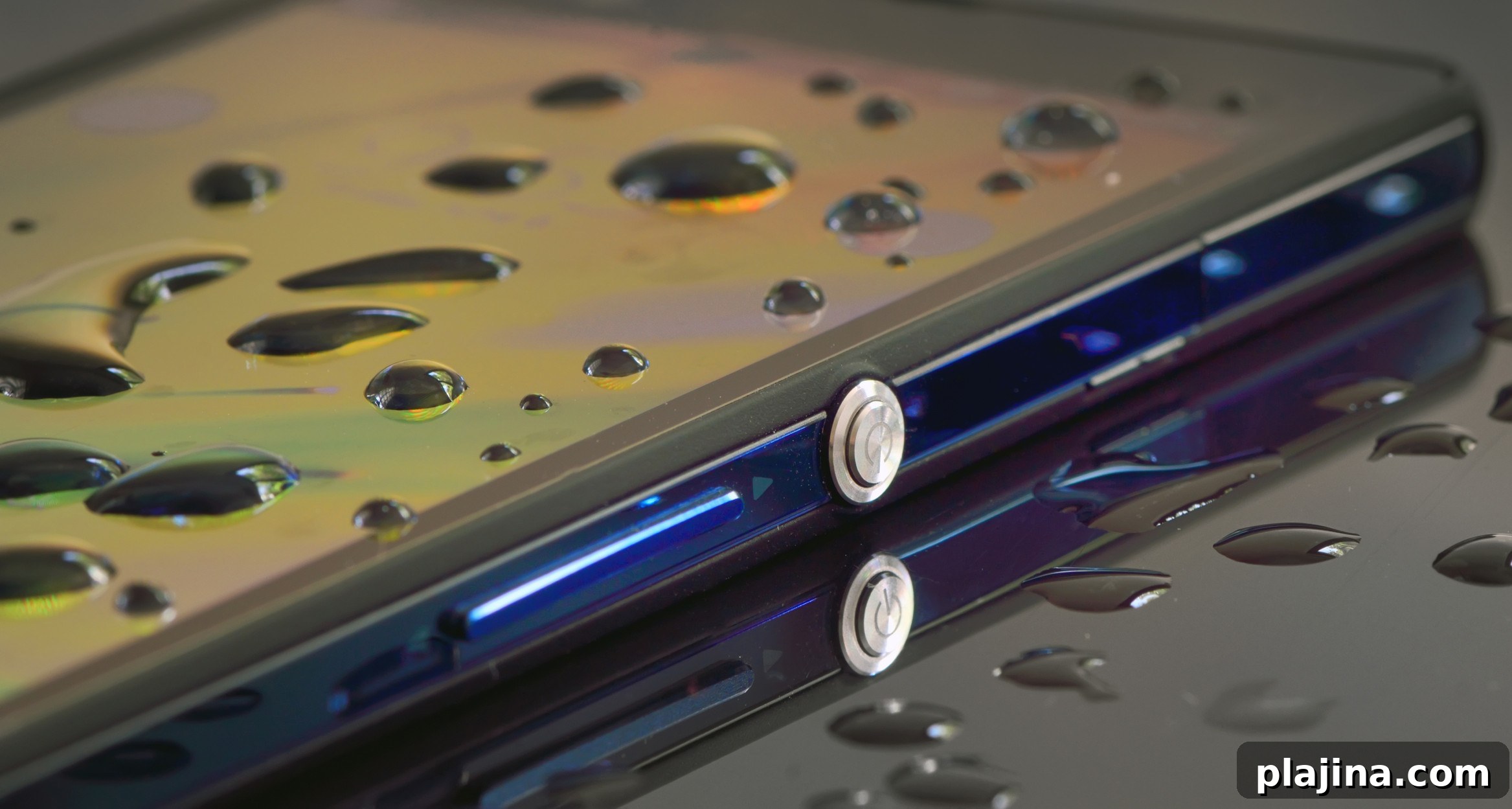
When a glass tips over and liquid pours across your desk, many people assume their electronic devices are ruined. While spills can certainly damage gadgets, immediate and calm action can often prevent permanent failure. Here are practical steps to maximize the chances of saving your electronics after a liquid spill.
Act Quickly but Safely
First, disconnect power. If the device is plugged in, unplug it immediately to reduce the risk of short circuits. If it’s a laptop or a desktop, shut the system down right away. For phones and tablets, remove any charging cables and turn the device off if possible. Avoid touching any exposed components with bare hands if the device is still connected to power.
Remove Batteries and Accessories
If your device has a removable battery, take it out without delay. Remove memory cards, SIM cards, USB drives, and any detachable peripherals. These small components are vulnerable to corrosion and are often easier to dry and clean separately.
Dry the Exterior and Drain Liquid
Use a lint-free cloth or paper towel to gently blot the surface and soak up as much liquid as you can. Tilt the device so excess liquid drains away from sensitive ports and openings. Avoid vigorous shaking, which can push liquid deeper into the device.
Disassemble If You Can
If you’re comfortable opening the device and it won’t void warranties or cause further damage, remove accessible panels and covers to expose internal components. This allows better airflow and faster drying. If you’re not confident, consider professional help—improper disassembly can worsen the situation.
Dry Internally with Care
After draining and blotting, allow the device to dry thoroughly. Place it in a well-ventilated area at room temperature. Using a fan can speed up evaporation. Avoid using hair dryers or applying high heat; excessive heat can warp components or melt soldering.
Address Sticky or Corrosive Liquids
Water is one thing, but sugary drinks, coffee, or alcoholic beverages leave residues that can corrode circuits or impair functionality. If you spilled anything sticky or acidic, once the device is dry enough to handle, gently clean affected areas with a cotton swab lightly dampened with isopropyl alcohol (90% or higher is best). Alcohol helps dissolve residues and evaporates quickly. Use this method sparingly and with care.
Wait Before Powering On
Patience is crucial. Even if the device looks dry, internal moisture can linger in crevices and connectors. Wait at least 24 to 48 hours—longer if the spill was significant—before attempting to power it on. For best results, give sensitive devices several days to ensure complete drying.
Consider Professional Repair
If the device does not function correctly after thorough drying, or if you’re unsure about taking it apart, seek professional repair services. Technicians can disassemble the device completely, clean corrosion, and replace damaged components. Acting quickly and getting expert help can sometimes restore even heavily affected electronics.
Prevent Future Spills
To reduce the risk of repeating the same mistake, take preventive measures: use spill-proof containers, keep drinks away from workspaces with electronics, use keyboard covers for laptops, and invest in durable cases for phones and tablets. Creating a habit of placing beverages on a separate surface can prevent costly accidents.
Although a liquid spill is stressful, careful and immediate action improves the odds of saving your device. Disconnect power, remove batteries and accessories, dry and clean appropriately, and give the device ample time to dry before turning it on. If in doubt, contact a professional to avoid further damage.